
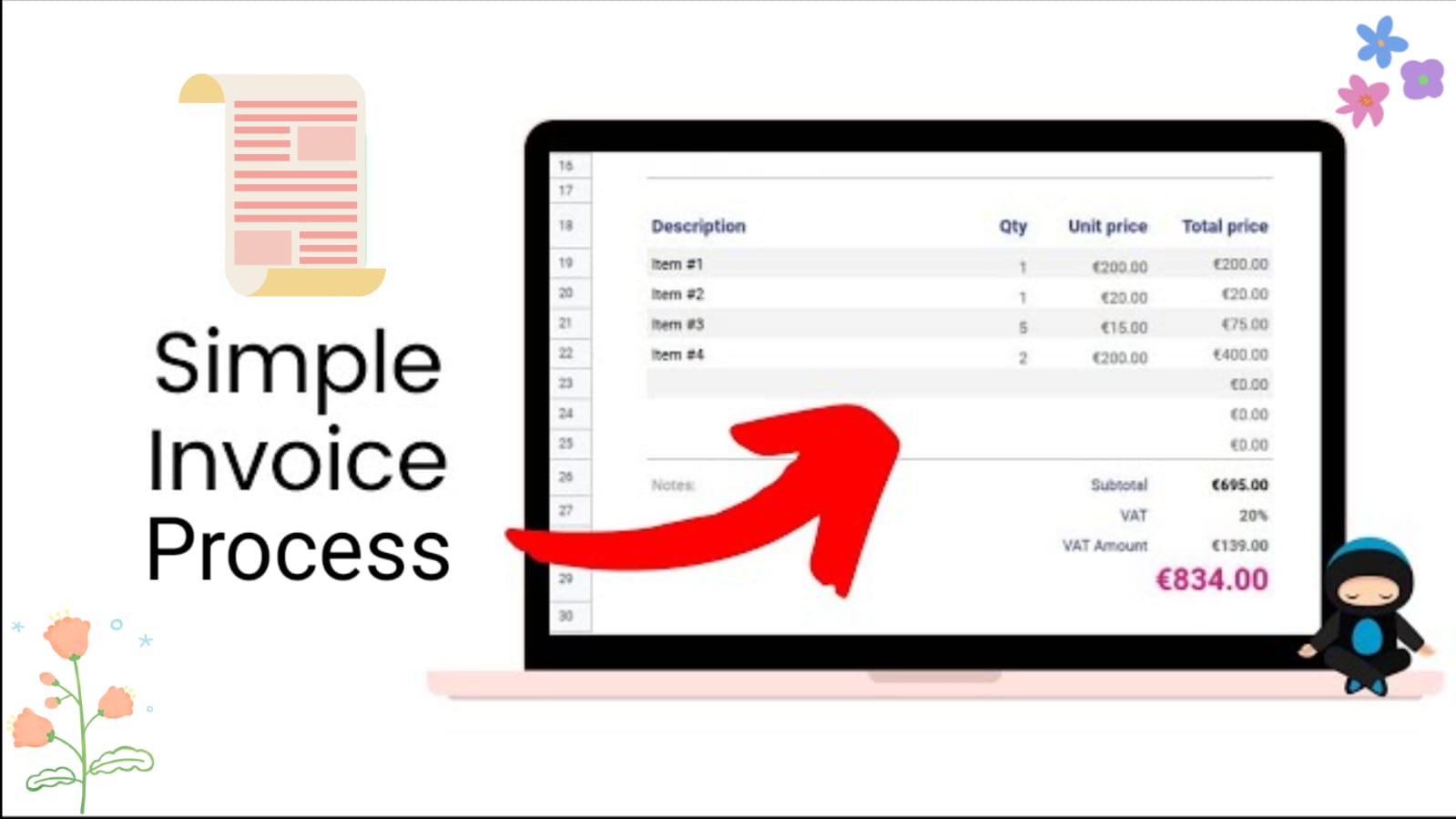
Introduction: Why are Professional Invoices Important?
Creating an invoice is much more than listing products and prices. A professional invoice communicates your brand, provides clear payment expectations, and helps avoid misunderstandings between you and your customers.
Whether you're a freelancer, agency, consultant, or small business owner, using a structured invoice ensures every transaction is documented accurately and professionally.
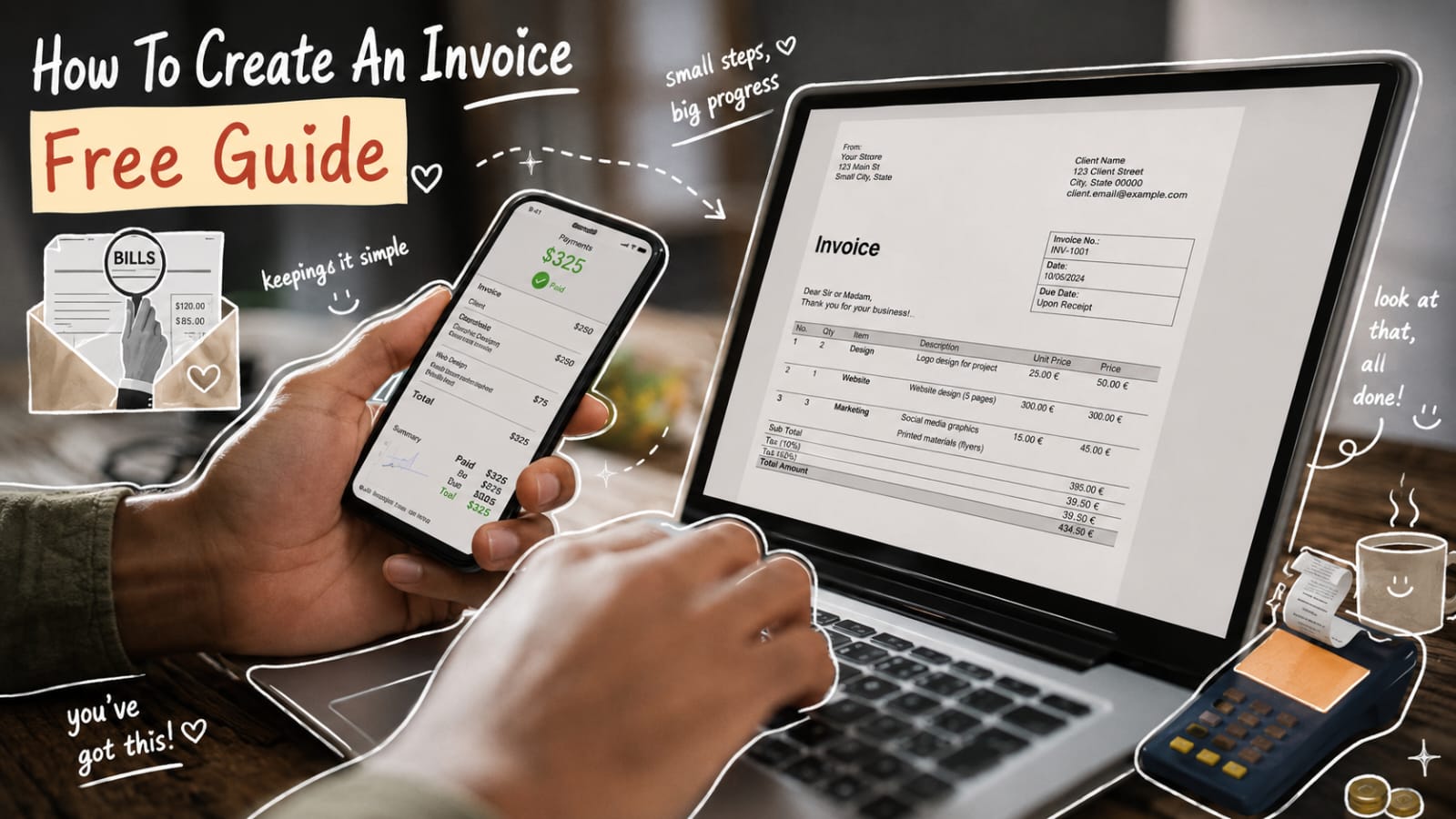
Business Information
Every professional invoice should begin with clear business information so clients can instantly recognize who issued the document. Include your business name, company logo, registered address, phone number, email address, and website if available. If your business has a GST number, VAT number, tax identification number, or company registration number, add those as well whenever required. Presenting these details in a clean, organized layout builds credibility, makes your invoices look more professional, and reduces confusion for first-time clients.
Keeping your business information accurate and consistent across every invoice also improves communication and speeds up payment processing. Clients can quickly verify your identity, contact you with questions, and match the invoice to previous projects or purchase orders. Before sending an invoice, double-check that your contact details, branding, and legal information are up to date, as even small errors can create unnecessary delays or make your business appear less trustworthy.
Customer Details
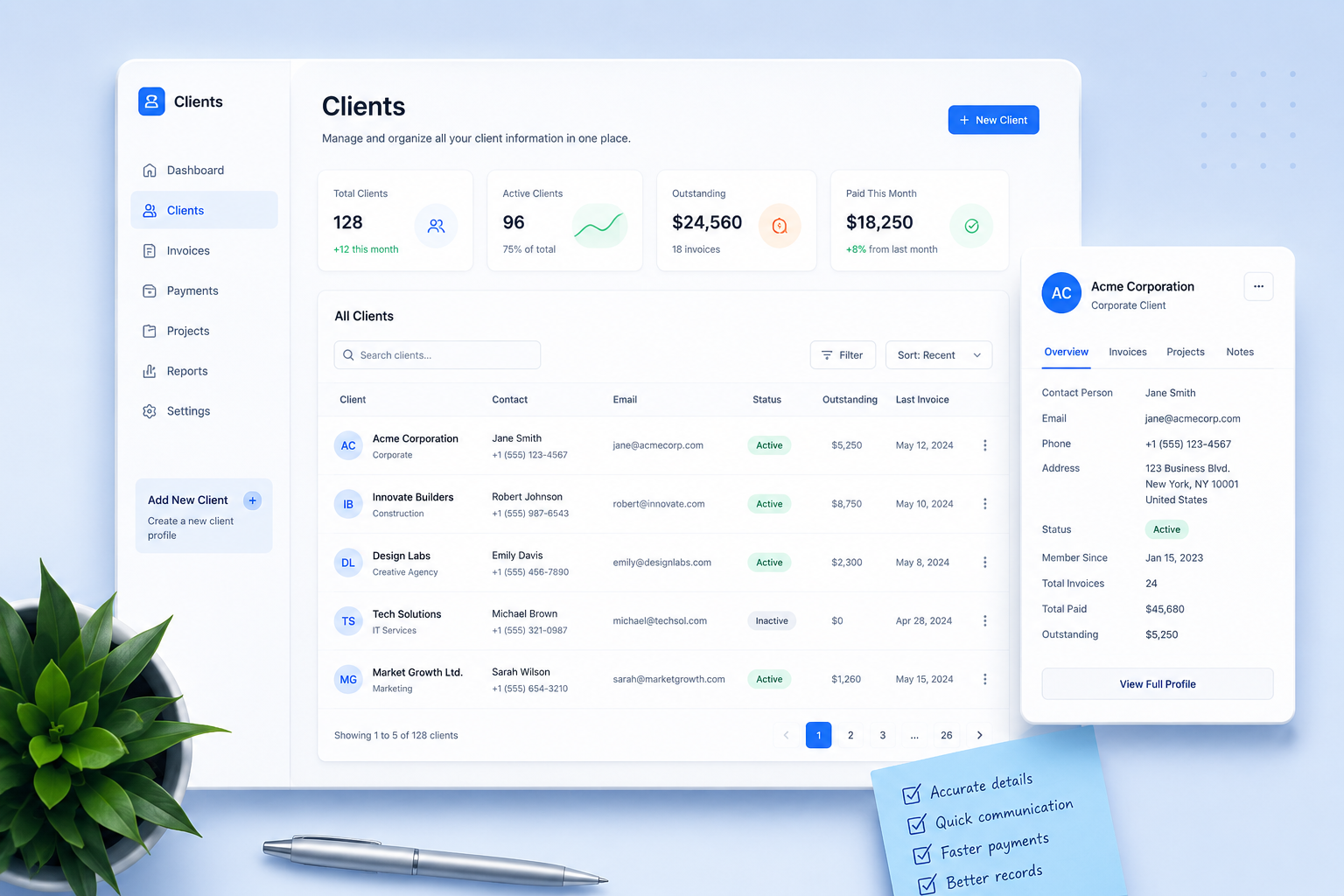
Accurate customer information is just as important as your own business details. Include the client's full name, company or business name, billing address, email address, phone number, and any relevant tax identification number if required. For business clients, you can also include a purchase order (PO) number, department name, or contact person to help ensure the invoice reaches the correct team. Complete and accurate information reduces payment delays, prevents invoicing errors, and makes financial records easier to manage.
Keeping Client Records Organized
Maintaining organized client records saves time when creating future invoices, following up on outstanding payments, or reviewing previous projects. Store customer details in a consistent format and update them whenever contact information changes. A well-maintained client database helps you generate invoices faster, improves communication, reduces duplicate records, and makes tax preparation, bookkeeping, and financial reporting much more efficient.
Items
The items section is the most important part of any invoice because it explains exactly what the customer is paying for. List each product or service separately and include a clear description, quantity, unit price, applicable discount, tax (if required), and line total. Breaking down charges makes your invoice easier to understand, minimizes billing disputes, and helps clients verify that every item matches the agreed quotation, proposal, or contract.
Writing Better Item Descriptions
Avoid generic descriptions such as "Services" or "Consulting." Instead, provide enough detail for the client to immediately recognize the work performed. Mention project names, service dates, product models, subscription periods, hours worked, or milestones completed whenever relevant. Specific descriptions improve transparency, reduce follow-up questions, speed up invoice approvals, and create a reliable record for future reference, bookkeeping, audits, and warranty or support requests.
Customization
Customizing your invoice allows you to match your business requirements while providing customers with all the information they need. Beyond adding your logo and brand colors, you should configure invoice numbers, taxes, payment terms, currency, due dates, discounts, notes, and payment methods. A well-customized invoice looks more professional, improves customer confidence, and reduces the chances of payment delays or accounting errors.
Invoice Number
Assign every invoice a unique number to simplify bookkeeping and payment tracking. A consistent numbering format such as INV-1001, INV-1002, or one that includes the year (INV-2026-001) makes invoices easier to search, organize, and reference. Never reuse invoice numbers, as duplicates can create accounting confusion and unnecessary disputes.
Taxes & Currency
Display all applicable taxes separately from the subtotal so customers can clearly understand how the final amount is calculated. Include GST, VAT, sales tax, or other required taxes along with the correct currency symbol and tax identification numbers where applicable. Transparent tax information helps maintain compliance with local regulations while increasing customer trust.
Payment Terms
Clearly define your payment expectations by including the invoice due date, accepted payment methods, bank account details, online payment links, and any applicable late payment fees or discounts for early payment. Setting clear terms helps customers pay on time and minimizes follow-up reminders.
Additional Options
Depending on your business, you may also customize purchase order (PO) numbers, project or job references, discount fields, shipping charges, delivery information, notes, terms and conditions, thank-you messages, digital signatures, and QR codes for online payments. These small additions improve the customer experience and make your invoices more complete, informative, and professional.
Comparison: Free vs Paid Invoice Generator
Both free and paid invoice generators can help you create professional invoices, but they offer different levels of functionality. The right choice depends on how frequently you send invoices, the features you need, and whether you're managing a growing business or simply creating occasional invoices.
| Feature | Free Invoice Generator | Paid Invoice Generator |
|---|---|---|
| Pricing | Free to use | Subscription or one-time purchase |
| Invoice Templates | Basic templates | Premium, modern, and customizable templates |
| Branding | Limited branding options | Custom logo, colors, and business branding |
| Client Management | Manual entry for each invoice | Save and manage customer information |
| Customization | Basic editing options | Advanced layouts, notes, terms, and branding |
| Taxes & Currency | Basic support | Multiple taxes and international currencies |
| Payment Options | Standard payment details | Payment links, QR codes, and multiple payment methods |
| Reports & Analytics | Not included | Revenue reports and payment insights |
| Cloud Backup | Usually unavailable | Cloud backup and multi-device sync |
| Best For | Freelancers, students, and occasional use | Businesses, agencies, consultants, and professionals |
Summary
A professional invoice is more than a payment request—it's a reflection of your business. By including accurate business and customer information, detailed item descriptions, unique invoice numbers, clear payment terms, applicable taxes, and thoughtful customization, you make it easier for clients to review, approve, and pay invoices on time. Consistency and attention to detail not only improve your cash flow but also build trust and strengthen long-term business relationships.
Final Thoughts
Before sending any invoice, take a moment to verify all information, check your calculations, confirm payment details, and ensure the layout is clear and professional. Small improvements such as accurate customer records, transparent pricing, and easy-to-understand payment instructions can significantly reduce payment delays and unnecessary follow-up.
Whether you're a freelancer, consultant, small business owner, or growing company, using a consistent invoicing process saves time, simplifies bookkeeping, and creates a better experience for every client. Investing in well-designed invoices today can lead to faster payments, stronger credibility, and healthier business growth in the future.