

Introduction
JSON has become one of the most widely used data formats for modern applications because it is lightweight, flexible, and easy to understand. Whether you're building websites, developing mobile apps, working with APIs, or managing configuration files, you'll likely encounter JSON regularly. Learning how JSON works and how to format it correctly makes your data easier to read, debug, and maintain.
What Is JSON?
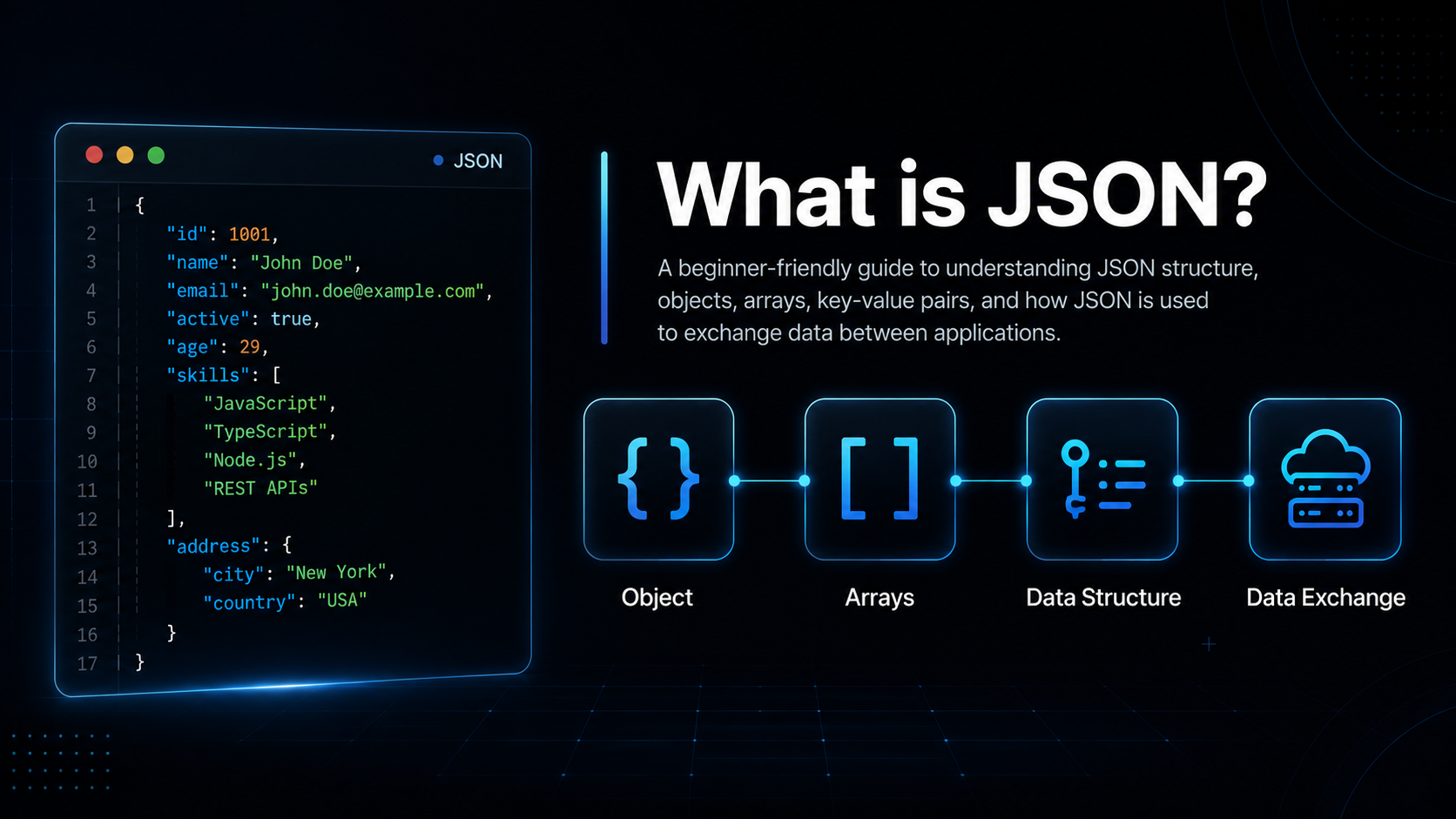
JSON, short for JavaScript Object Notation, is a lightweight data-interchange format used to store and exchange structured information between applications. Despite its name, JSON is not limited to JavaScript—it is supported by nearly every modern programming language, making it the preferred format for sharing data across different platforms and services.
Developers commonly use JSON when sending and receiving data through APIs, connecting web applications, storing configuration settings, exchanging information between servers and clients, and working with databases. Its simple structure of key-value pairs and nested objects allows both humans and machines to understand data quickly and efficiently.
Because JSON is clean, readable, and easy to parse, it has become the industry standard for data exchange in websites, mobile applications, cloud services, and countless software systems. Properly formatting JSON further improves readability, making development, debugging, and collaboration much easier.
What Is JSON Formatting?
JSON formatting is the process of organizing JSON data using consistent indentation, spacing, and line breaks to make it easier to read and understand. Proper formatting doesn't modify the actual data or affect how applications process it—it simply presents the same information in a clean, structured layout that is much easier for developers to work with.
Well-formatted JSON is especially helpful when working with nested objects, arrays, or large API responses. Instead of reading one long line of text, developers can quickly identify keys, values, and relationships between different data elements, making debugging, editing, and collaboration much more efficient.
The example below shows how formatting transforms compact JSON into a clean, readable structure while keeping the data exactly the same.
Before Formatting
Compact & difficult to read
{"name":"John","age":25,"city":"New York"}After Formatting
Clean & easy to understand
{
  "name": "John",
  "age": 25,
  "city": "New York"
}
Why Formatting JSON Is Important
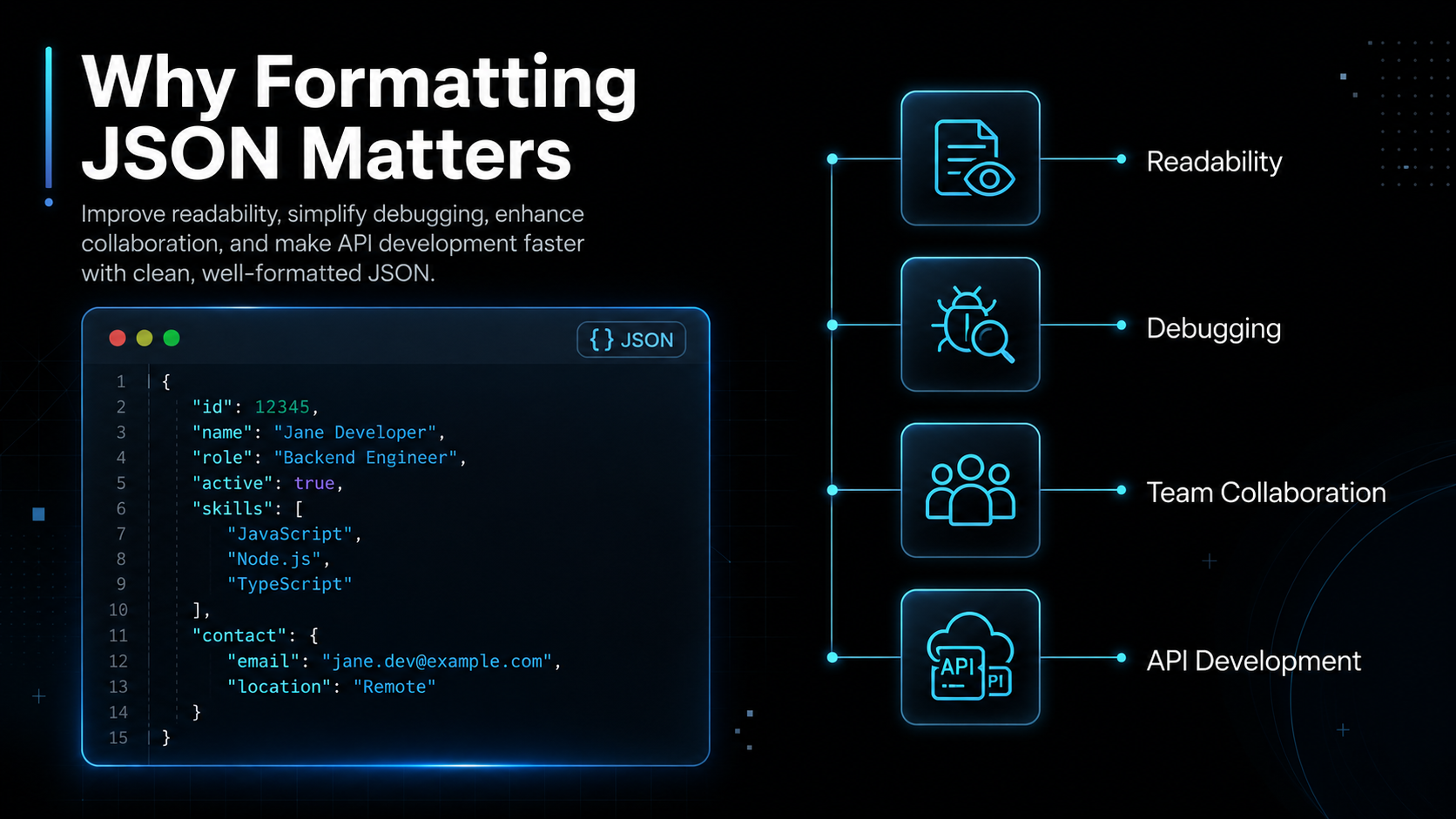
While JSON can be stored as a single line of text, reading and working with compact JSON quickly becomes difficult as the data grows. Formatting JSON with proper indentation and spacing makes complex structures much easier to understand, helping developers work more efficiently while reducing mistakes. Whether you're debugging an API response or reviewing configuration files, well-formatted JSON saves time and improves productivity.
Improve Readability
Properly formatted JSON is significantly easier to read than compact, unformatted data. Clear indentation separates objects, arrays, and nested values into logical sections, allowing developers to understand the structure without carefully counting brackets or scanning long strings of text.
Improved readability also makes code reviews faster, reduces confusion when working with large datasets, and allows developers to quickly locate specific keys or values without wasting time searching through unorganized JSON.
Simplify Debugging
One of the biggest advantages of formatting JSON is easier debugging. Clean formatting makes syntax problems much more visible, allowing you to quickly identify missing commas, unmatched braces, incorrect nesting, or misplaced brackets that could otherwise be difficult to find in a single-line JSON document.
Instead of manually tracing every character, developers can visually inspect the structure, making troubleshooting faster and reducing the time required to resolve errors before deployment.
Better Team Collaboration
Software development is often a collaborative process, and consistent JSON formatting helps teams work more effectively together. When every developer follows the same formatting style, JSON files become easier to read, review, and maintain across different projects.
Consistent formatting also results in cleaner pull requests, simpler code reviews, and fewer unnecessary merge conflicts caused by formatting differences rather than actual changes to the data.
Easier API Development
Most modern APIs send and receive data in JSON format. Developers frequently inspect API responses to verify data, troubleshoot issues, and confirm that requests are returning the expected information. Formatting these responses makes the data far easier to analyze, especially when working with deeply nested objects or large arrays.
During API testing and application development, formatted JSON speeds up debugging, improves data validation, and helps developers quickly verify the structure and content of responses before integrating them into their applications.
How to Format JSON Data
Formatting JSON is a simple process that only takes a few seconds with a JSON Formatter. Whether you're working with API responses, configuration files, or application data, following these steps will help you convert compact JSON into a clean, readable format that's easier to understand, debug, and share.
Step 1 — Copy Your JSON
Start by copying the JSON data you want to format. This data may come from an API response, a configuration file, a database export, a web application, or any other source that generates JSON. Make sure you copy the entire JSON structure to avoid missing brackets, commas, or other important elements.
If you're testing an API, you can usually copy the response directly from your browser's developer tools, Postman, or another API testing application.
Step 2 — Paste into the Formatter
Open the JSON Formatter and paste your raw JSON into the editor. Most online JSON formatting tools work entirely in your browser, so there's no need to install software or create an account before getting started.
Once pasted, the formatter will prepare your JSON for beautification and validation, allowing you to work with even large or complex data structures quickly and efficiently.
Step 3 — Click Format
Click the Format or Beautify button to automatically organize your JSON. The formatter adds proper indentation, spacing, and line breaks without changing the underlying data.
Nested objects and arrays become clearly aligned, making the structure much easier to scan, understand, and edit. This is especially useful when working with large API responses containing multiple levels of nested data.
Step 4 — Validate the Output
After formatting, review the output to ensure your JSON is valid. Many JSON Formatters also include built-in validation that automatically checks for syntax errors before displaying the formatted result.
Validation helps identify problems such as missing commas, unmatched braces, incorrect quotation marks, invalid nesting, or other syntax errors that could prevent your application or API from processing the data correctly.
Step 5 — Copy or Download
Once your JSON has been formatted and validated, you can copy the clean output directly to your clipboard or download it for future use, depending on the features offered by your JSON Formatter.
Formatted JSON is easier to share with teammates, include in documentation, store in project files, or use during development and testing. Keeping your JSON well organized also makes future updates and maintenance much simpler.
Common JSON Formatting Errors
Even small formatting mistakes can make JSON invalid and prevent applications, APIs, or parsers from reading the data correctly. Knowing the most common JSON formatting errors helps you identify problems quickly and create valid, well-structured JSON. Below are some of the mistakes developers encounter most often, along with examples of how to fix them.
Missing Commas
Every key-value pair in a JSON object must be separated by a comma, except for the last item. Forgetting a comma is one of the most common syntax errors and will cause JSON validation to fail.
// ❌ Incorrect
{
  "name": "John"
  "age": 25
}

// ✅ Correct
{
  "name": "John",
  "age": 25
}
Unmatched Brackets or Braces
Every opening brace { or bracket [ must have a matching closing brace } or bracket ]. Missing or misplaced brackets make the JSON structure incomplete and invalid.
// ❌ Incorrect
{
  "users": [
    {
      "name": "John"
    }

// ✅ Correct
{
  "users": [
    {
      "name": "John"
    }
  ]
}
Using Single Quotes Instead of Double Quotes
JSON requires all property names and string values to use double quotes. Single quotes are valid in some programming languages but are not valid in standard JSON.
// ❌ Incorrect
{
  'name': 'John'
}

// ✅ Correct
{
  "name": "John"
}
Trailing Commas
Unlike JavaScript objects, standard JSON does not allow a comma after the final property or array element. Leaving a trailing comma will cause validation errors in most JSON parsers.
// ❌ Incorrect
{
  "name": "John",
  "age": 25,
}

// ✅ Correct
{
  "name": "John",
  "age": 25
}
Invalid Key Names
Every property name in JSON must be enclosed in double quotes. Unquoted keys are accepted in JavaScript object literals but are invalid in JSON and will fail validation.
// ❌ Incorrect
{
  name: "John",
  age: 25
}

// ✅ Correct
{
  "name": "John",
  "age": 25
}
Best Practices for Working with JSON
Following a few simple best practices can make your JSON easier to read, maintain, and debug. Whether you're creating API requests, managing configuration files, or exchanging data between applications, writing clean and consistent JSON helps reduce errors and improves collaboration with other developers.
Keep Consistent Indentation
Always use consistent indentation throughout your JSON files. Most developers prefer two or four spaces for each nested level, as this creates a clear visual hierarchy and makes complex objects much easier to follow. Consistent formatting also helps maintain a professional code style across projects.
If you're working in a team, agree on a single formatting style and use a JSON Formatter to automatically apply the same indentation to every file. This keeps your data clean and avoids unnecessary formatting differences during code reviews.
Use Meaningful Property Names
Choose descriptive property names that clearly represent the data they contain. Names such as "firstName", "emailAddress", or "createdAt" are much easier to understand than vague alternatives like "a", "data1", or "value".
Clear property names improve code readability, simplify debugging, and make it easier for other developers to understand your JSON without referring to additional documentation.
Validate Before Deployment
Before deploying your application or publishing an API, always validate your JSON to ensure it follows the correct syntax. Validation helps detect missing commas, unmatched braces, invalid quotation marks, and other errors that could prevent your application from functioning correctly.
Using a JSON Formatter with built-in validation allows you to identify and fix issues early, reducing the risk of unexpected errors in production environments.
Avoid Duplicate Keys
Every property within a JSON object should have a unique key. Duplicate keys can lead to unpredictable behavior because many JSON parsers only keep the last occurrence while ignoring earlier values.
Carefully review your JSON before saving or sharing it to ensure that each property name appears only once. Unique keys make your data more reliable and easier to process across different applications.
Minify Only for Production
During development, always work with formatted JSON because it is much easier to read, edit, and debug. Once your project is complete, you can minify the JSON to remove unnecessary spaces, indentation, and line breaks, reducing file size for production use.
A common workflow is to format JSON while developing and debugging, then minify it before deployment to improve loading performance and optimize data transfer without changing the actual content.
Summary
JSON formatting is an essential practice for developers who work with APIs, configuration files, databases, and modern applications. Although formatting doesn't change the underlying data, it transforms compact JSON into a clean, organized structure that is significantly easier to read, understand, and maintain. Using a JSON Formatter regularly helps improve development workflows while reducing the chances of costly mistakes.
Final Thoughts
Clean, properly formatted JSON makes it much easier to inspect complex data structures, review code, and collaborate with other developers. Consistent indentation and well-organized objects reduce confusion, making it faster to locate properties and understand how data is structured.
Formatting also simplifies debugging by making syntax issues such as missing commas, unmatched braces, or incorrect nesting easier to spot. Combined with JSON validation, it helps ensure your data is error-free before being used in production, reducing unexpected application or API failures.
Whether you're building REST APIs, editing configuration files, developing web or mobile applications, or analyzing JSON responses, a reliable JSON Formatter should be part of your everyday workflow. Formatting your JSON regularly improves readability, increases productivity, and helps you write cleaner, more maintainable code with confidence.